Admin web page
The connector serves an admin web page directly from the processor — a status, setup and control dashboard for the room(s). It's your main tool during commissioning and for troubleshooting on site.
Accessing it
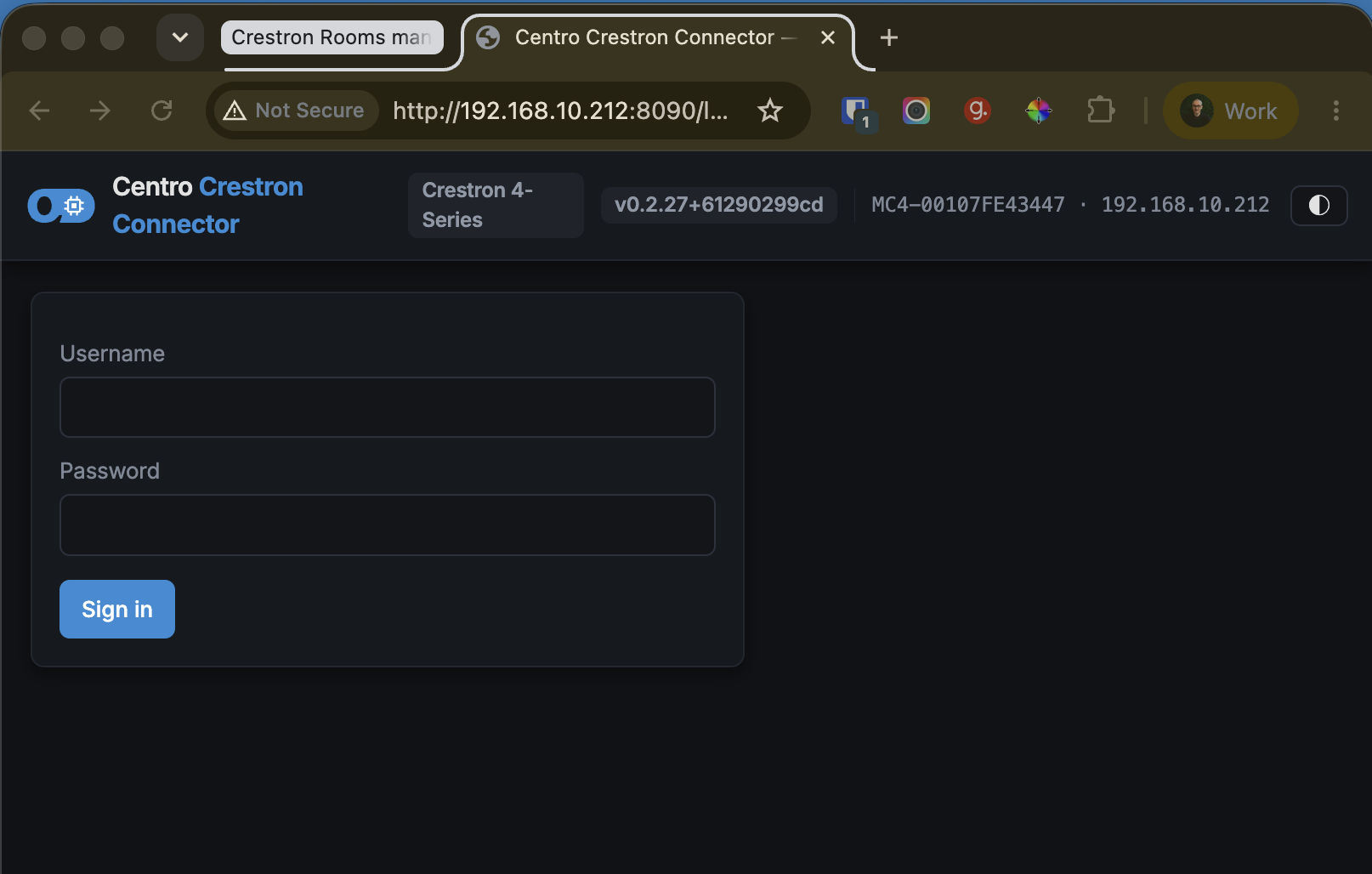
The admin page is enabled by setting the admin-page port to a non-zero value (see Installation). With it enabled, browse to:
http://<processor-ip>:<port>/
Log in with the processor's own user account — the same credentials as the box console/web. Sessions time out after 30 minutes of inactivity.
Dashboard
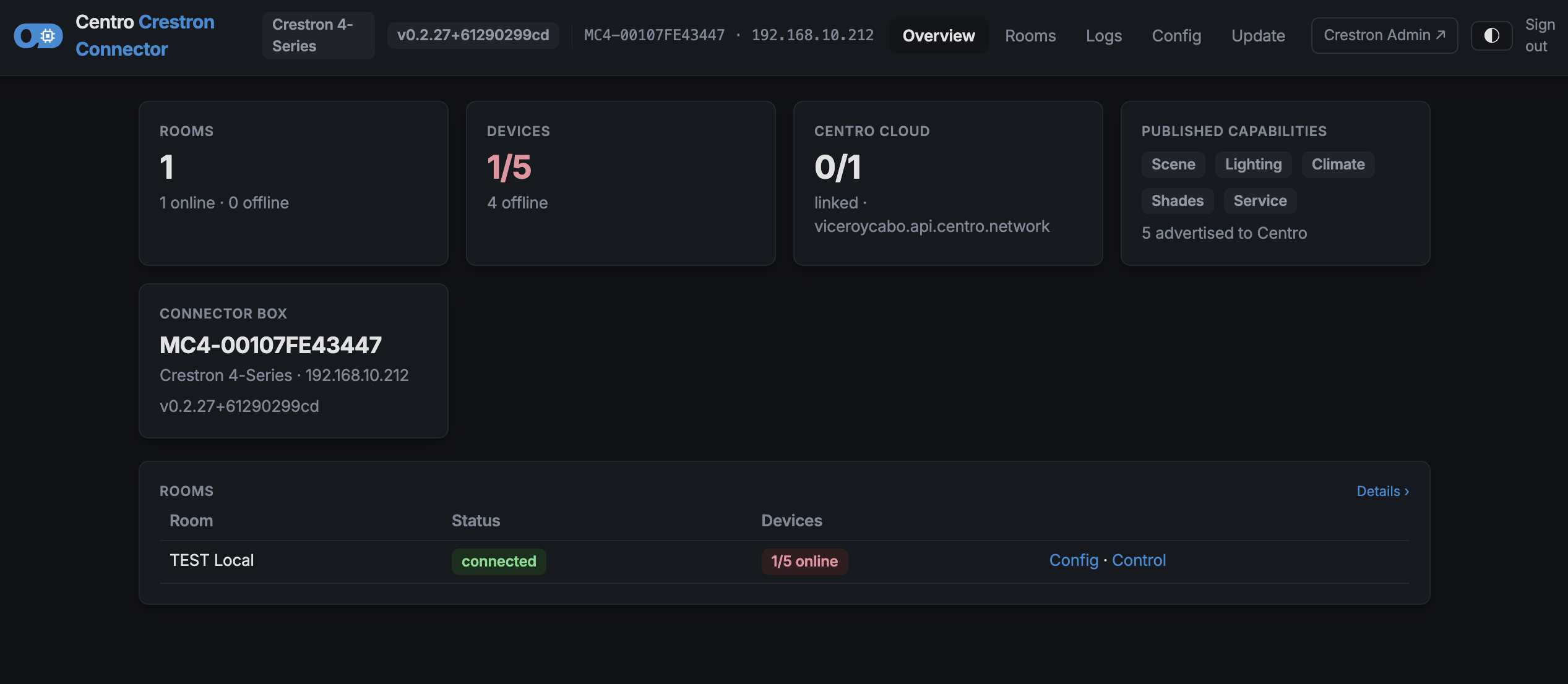
The home page summarises the processor and every room it serves — connection status, link status and a quick health overview at a glance.
Rooms
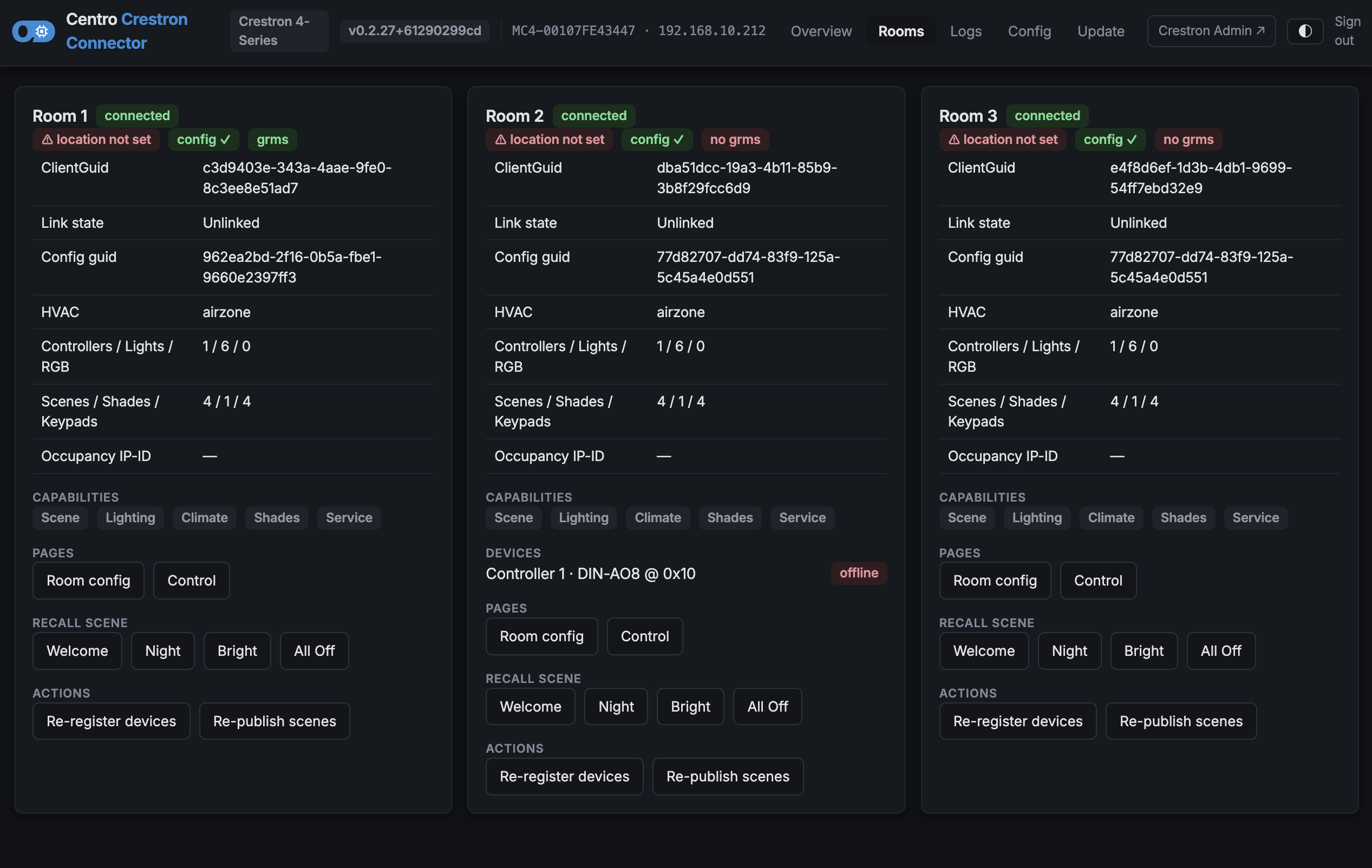
A card per room showing:
- Connection and link status
- The configuration currently in effect (pushed from Centro)
- Scenes, occupancy and device presence (which Cresnet/IP devices are online)
- A live log console for that room
Connection status
| Status | Meaning |
|---|---|
| Connected | Real-time link to Centro is up |
| Polling | Real-time link is down; the connector is falling back to periodic polling |
| Offline | Centro can't be reached |
Linked is reported separately — it's the backoffice association (which place/device the room maps to), not a health signal. Configuration and control flow regardless of link state.
Control
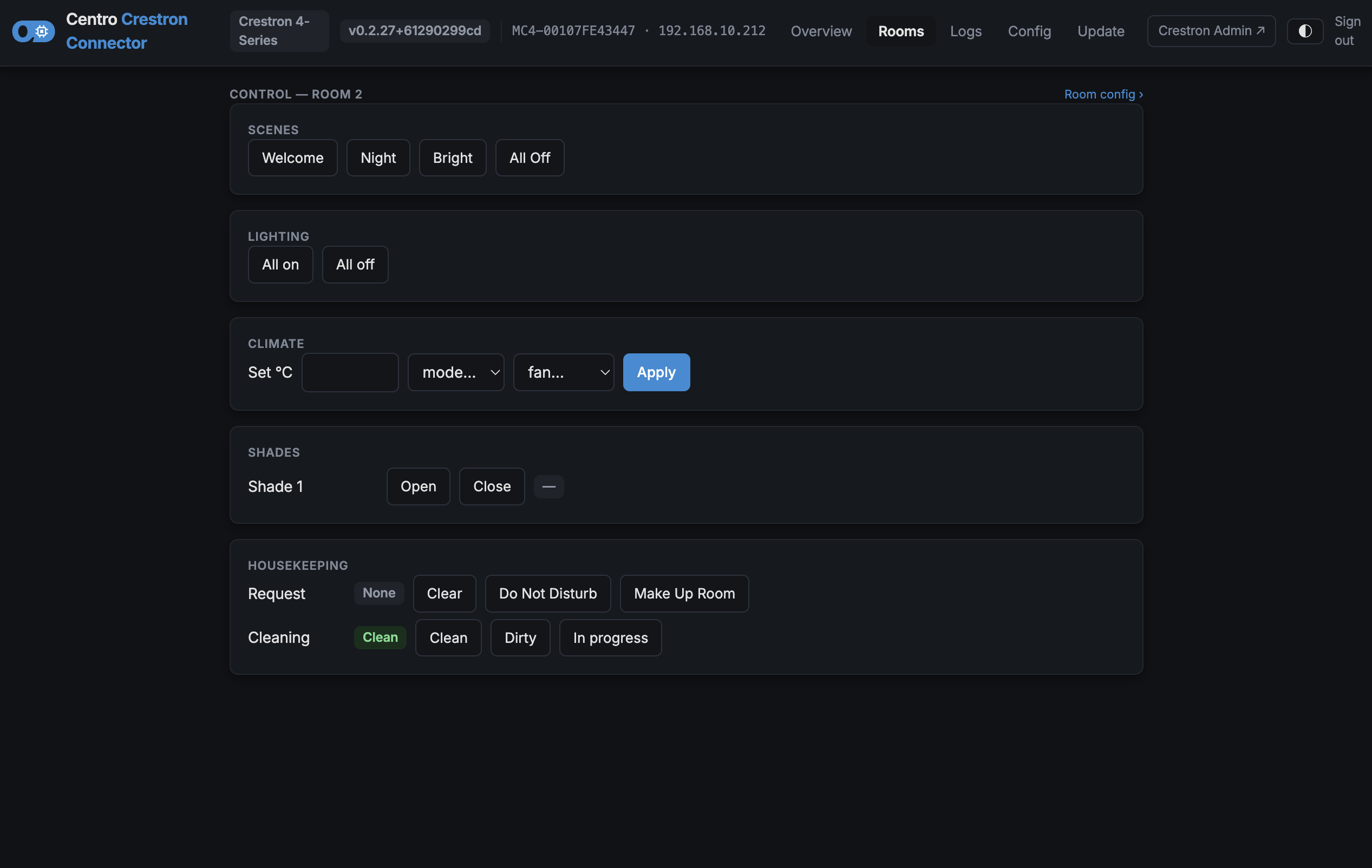
A control panel for driving the room by hand — recall scenes, adjust lighting, move shades, set climate, and trigger housekeeping/service. Use it to verify the hardware responds during commissioning.
Setup & room config
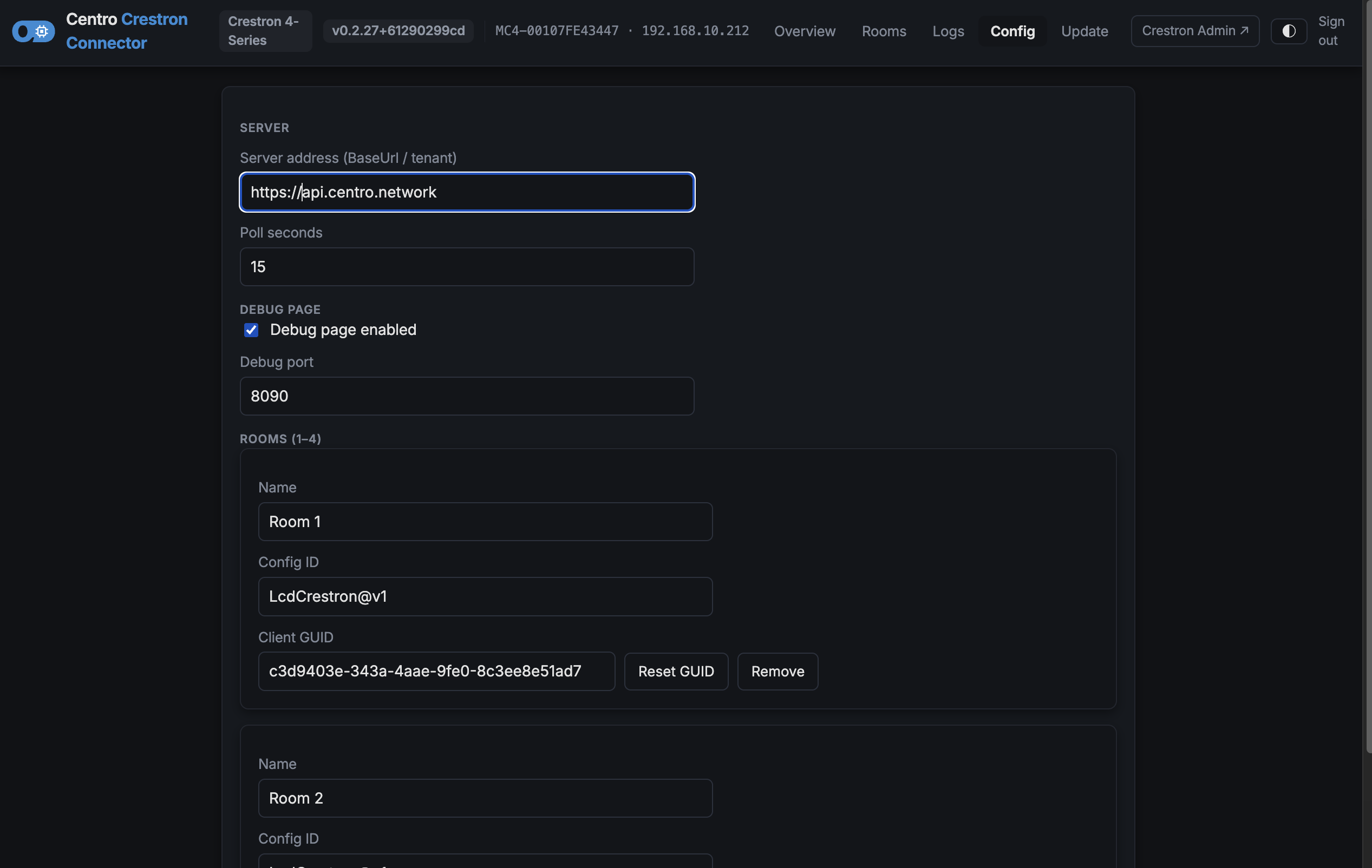
- Setup edits the on-box first-boot settings (server address, rooms, admin-page port).
- Room config shows the read-only configuration currently pushed from Centro, so you can confirm what the room actually received.
Logs
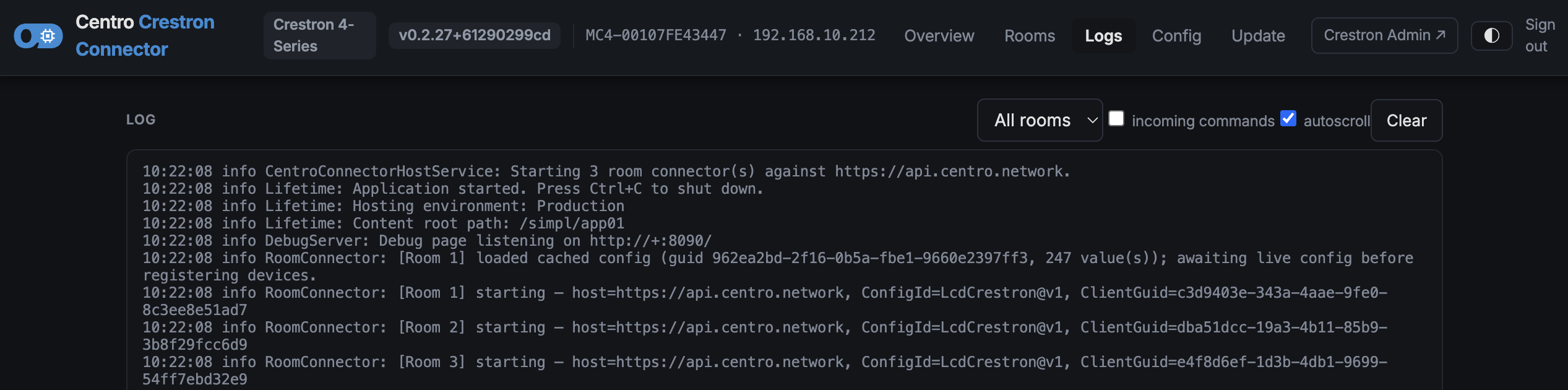
A live log viewer backed by a rolling in-memory buffer (the most recent activity), tagged per room and by inbound command. Handy for watching a keypad press, a scene recall or a config push in real time.
Actions
From the admin page you can also:
- Recall a scene, re-publish state, or re-register a room with Centro
- Restart the connector (re-reads settings without rebooting the processor)
- Open the Update page to push a new program version
On a developer host (not a real processor) the admin page can also simulate keypad presses, occupancy and device presence for testing. These simulation controls don't appear on a live processor.